
Checkout Documentation
INTRUCTIONS ON HOW TO BUY OUR SUPERLIFE PRODUCTS ONLINE
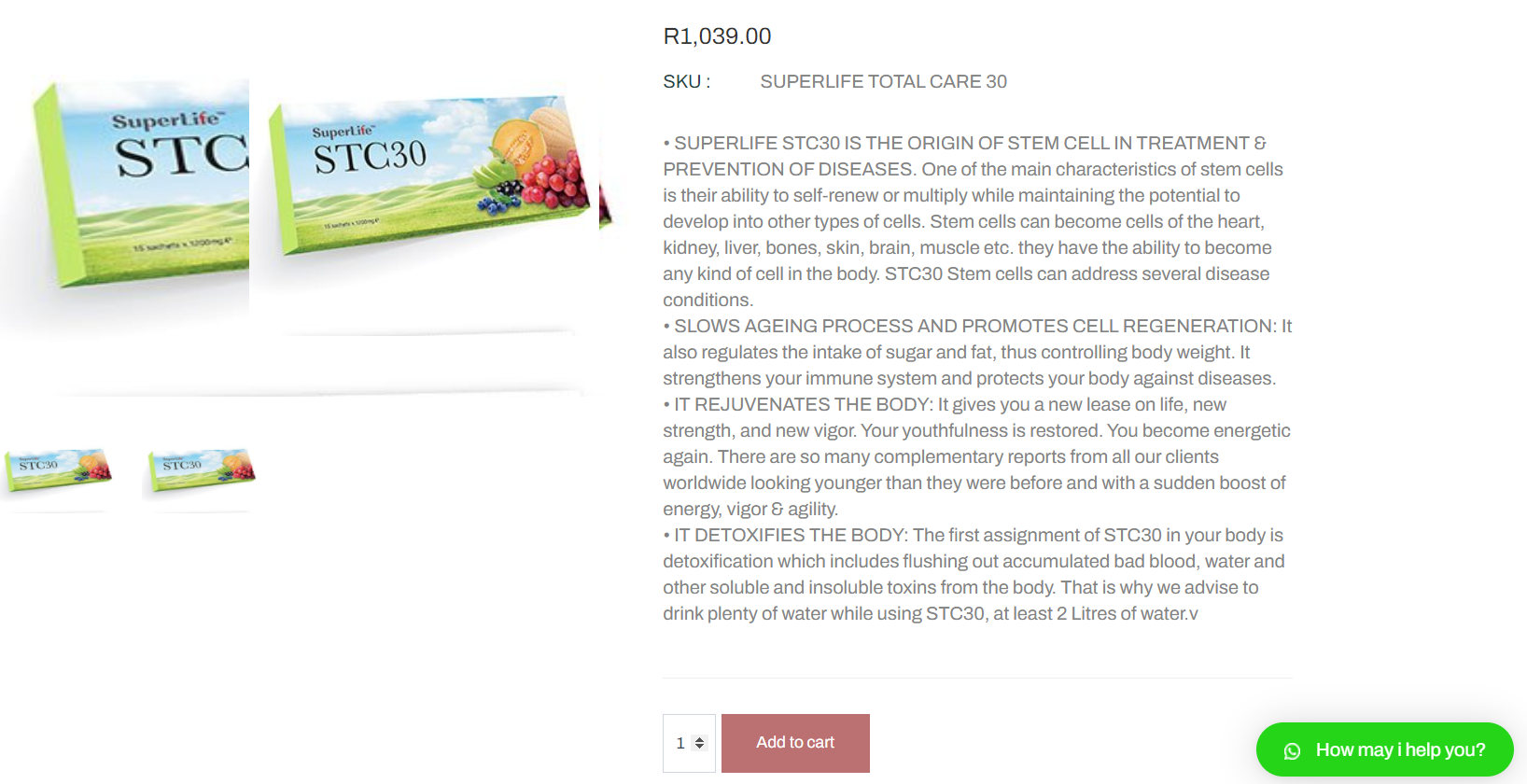
Step1: Please select a product that you want from the list on the homepage then click on "READ MORE".

Step2: After you click on Read More, it will open up another page with a detailed description of the product.you may read through and after click on "ADD TO CART" button.
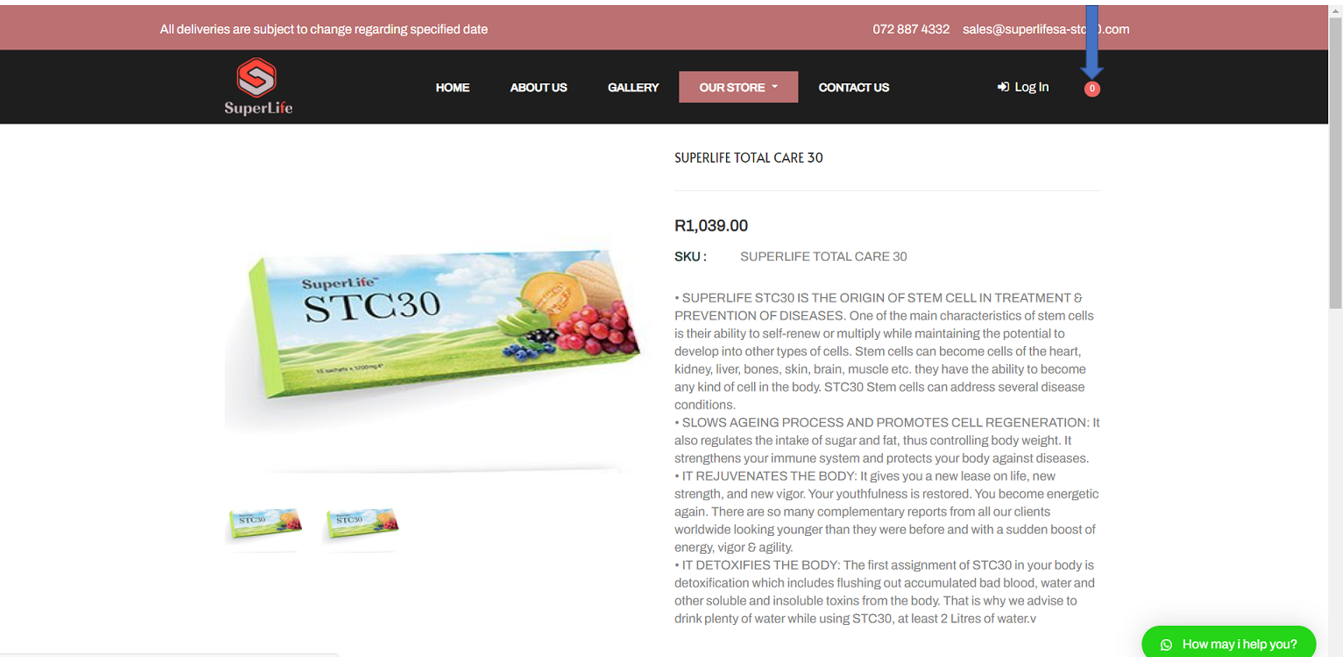
Step3: After clicking on "add to card" button,move to the top right icon (shown with blue arrow on picture) and click on the pink icon.
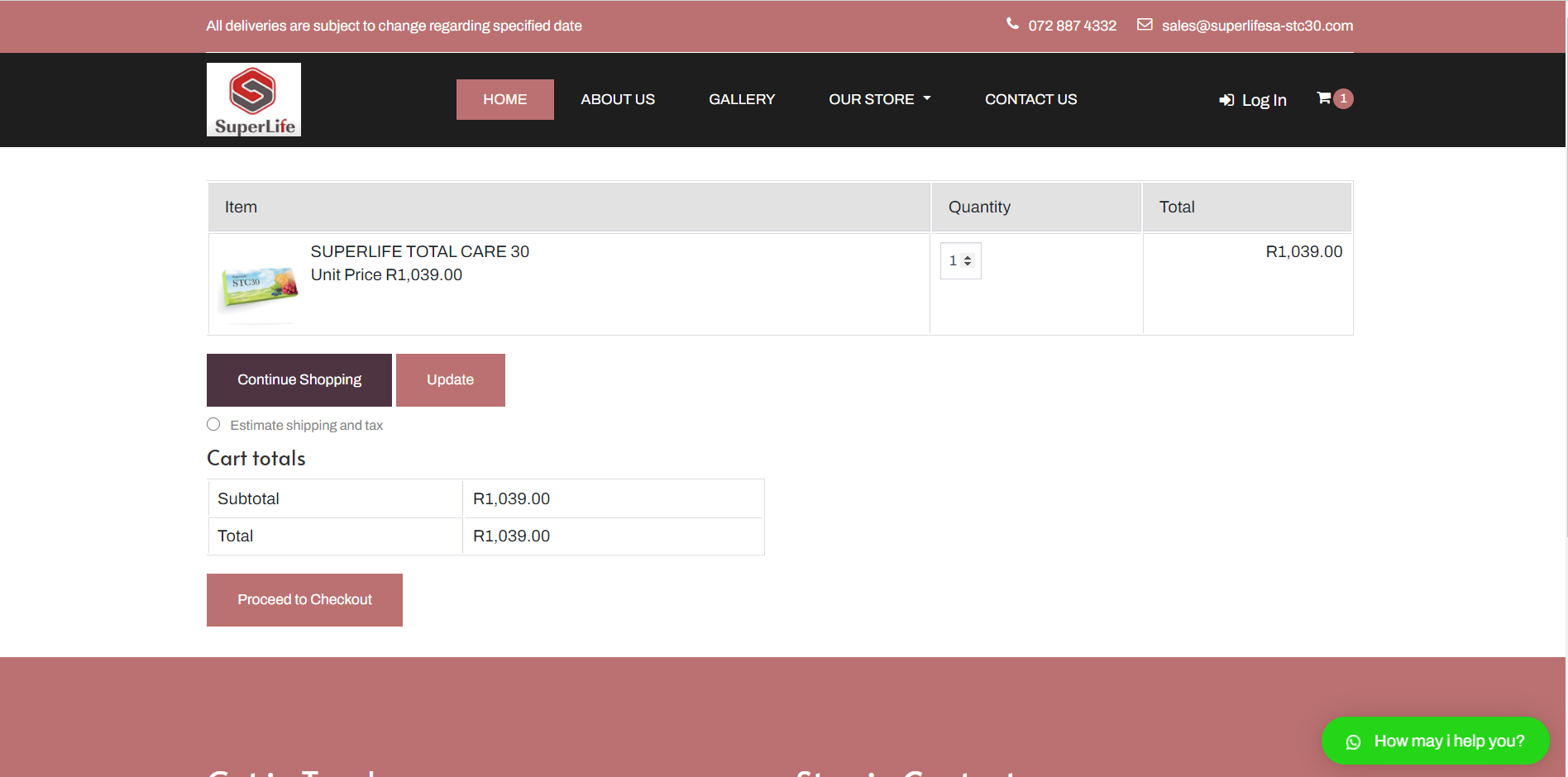
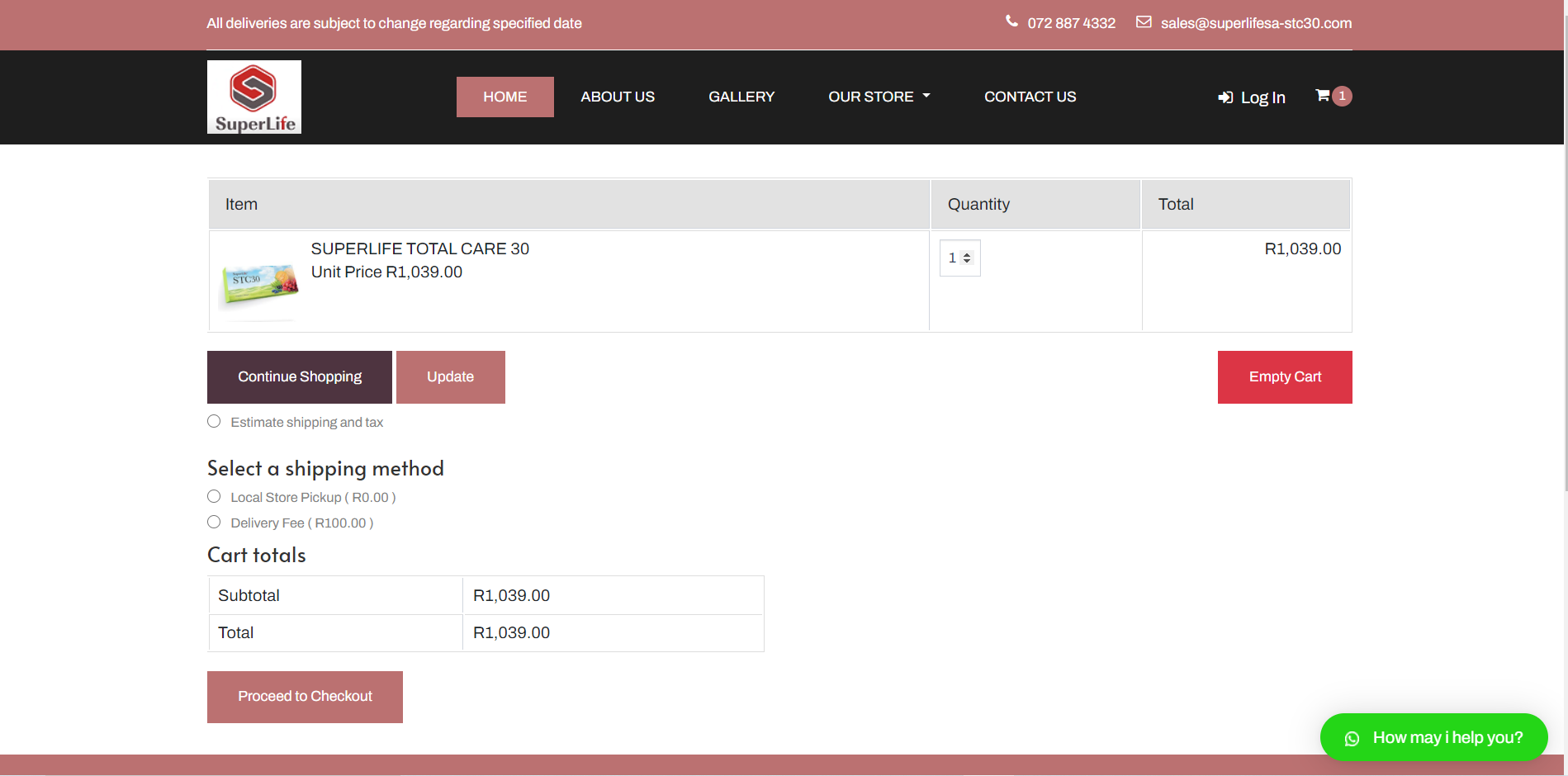
Step4: After clicking on the icon a viewing of the cart window will appear like the screen below with information supplied. Click on the radio button written "ESTIMATE SHIPPING AND TAX".
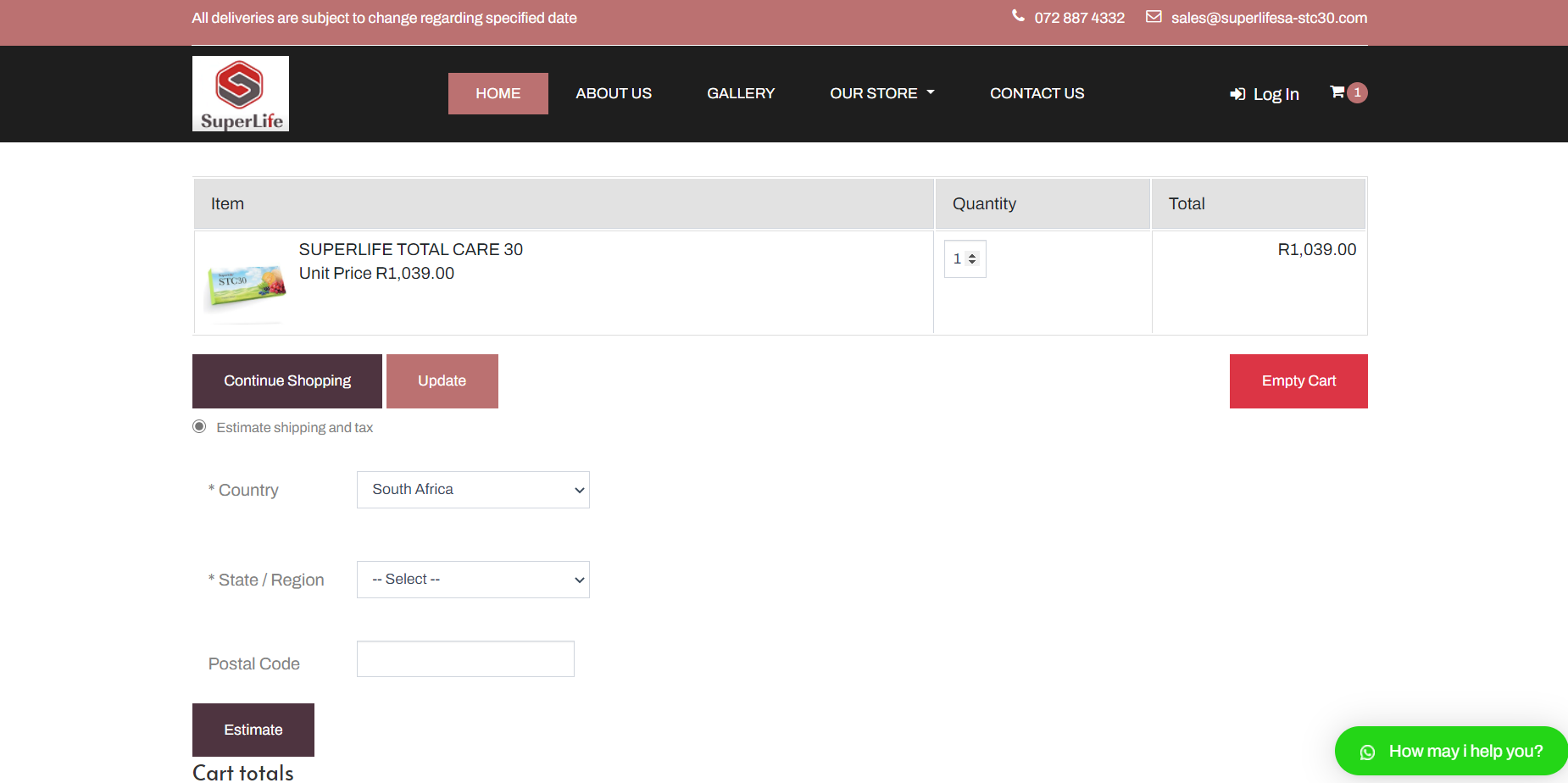
Step5: After selecting "ESTIMATE SHIPPING AND TAX" the following window will appear below. select the country, state/region and postal code then after you click on "ESTIMATE BUTTON".
Step6: After selecting "ESTIMATE" button , there will be a heading written "SELECT A SHIPPING METHOD" and below it will be an option for "LOCAL STORE PICKUP" and "DELIVERY FEE",so u can select if u want to collect the Product or Delivered to you.
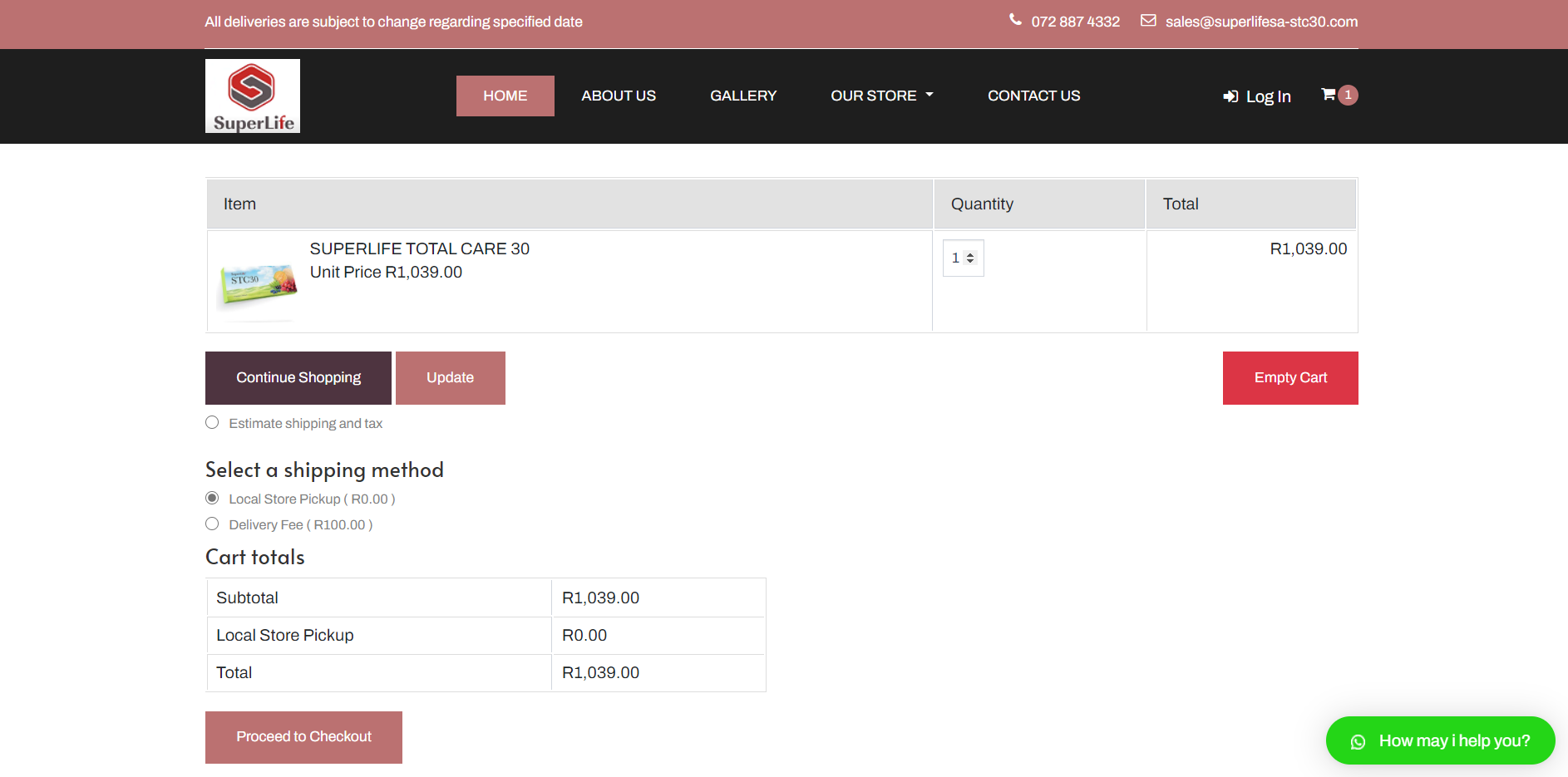
Step7: "LOCAL STORE PICKUP" option is chosen so its shows the total below.
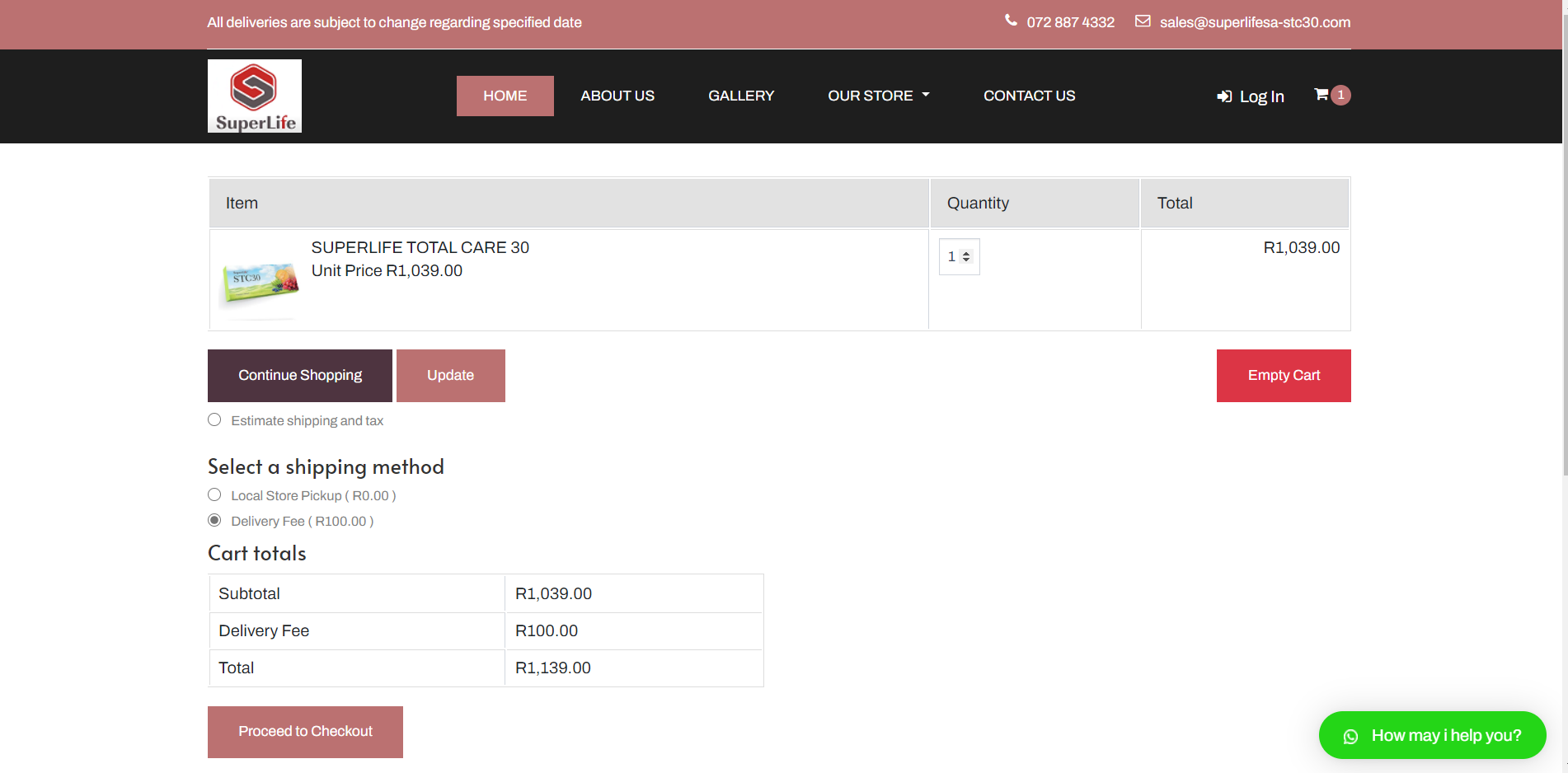
Step8: "DELIVERY FEE" option is chosen so its shows the total below. Afterwards you can click on " PROCEED TO CHECKOUT" button.
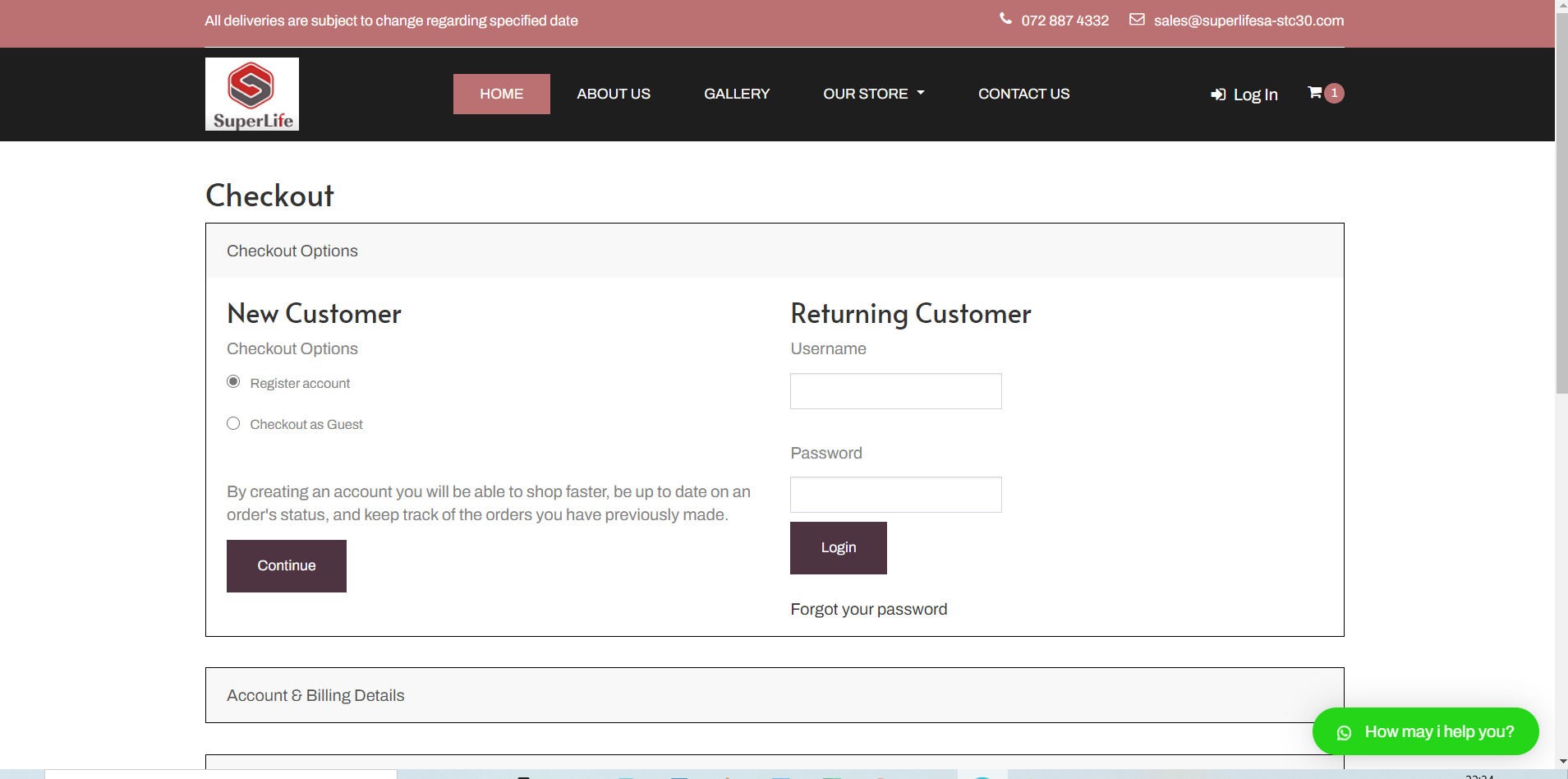
Step9: Checkout window is now open when you choose to "REGISTER ACCOUNT" or "CHECKOUT AS GUEST". If you register account your information will be saved on our database but if you checkout as guest your information will not be saved, they will only be used for billing purposes.
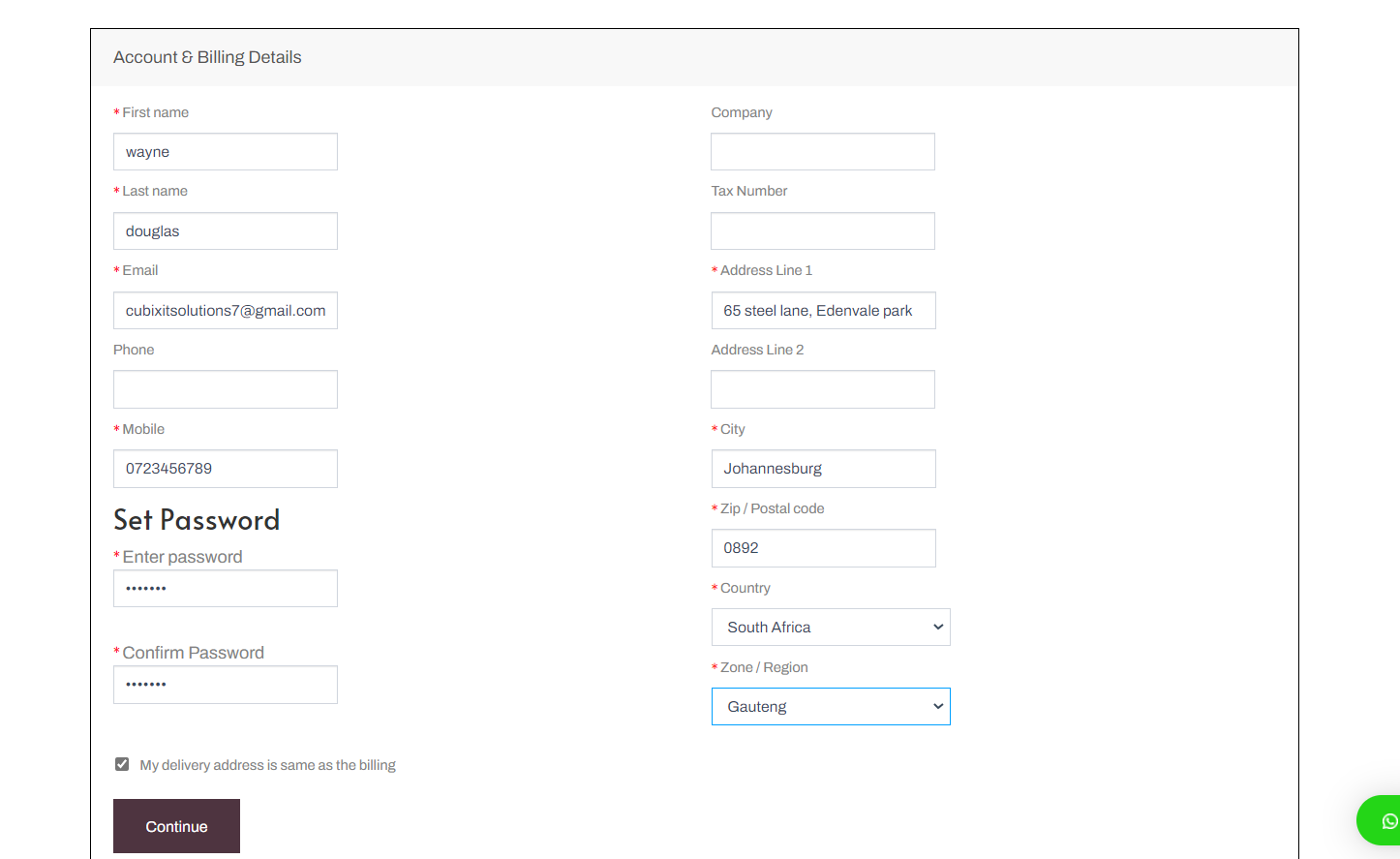
Step10:We will choose "REGISTER ACCOUNT" option. Below is where you will fill in your Information and then create a user account that will be used when you log into our portal to view your purchases and view history and also download invoices, when you are done click on "CONTINUE" button.
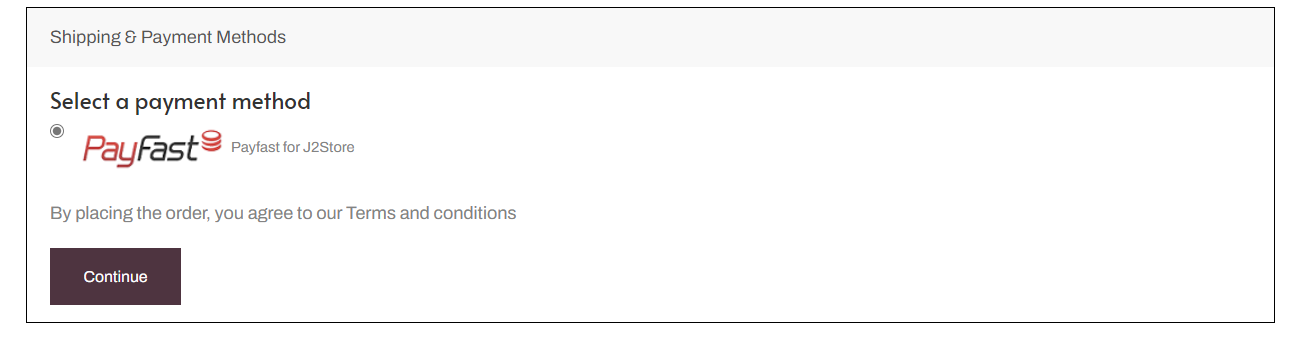
Step11: This option shows which payment type you will use then click on "CONTINUE"
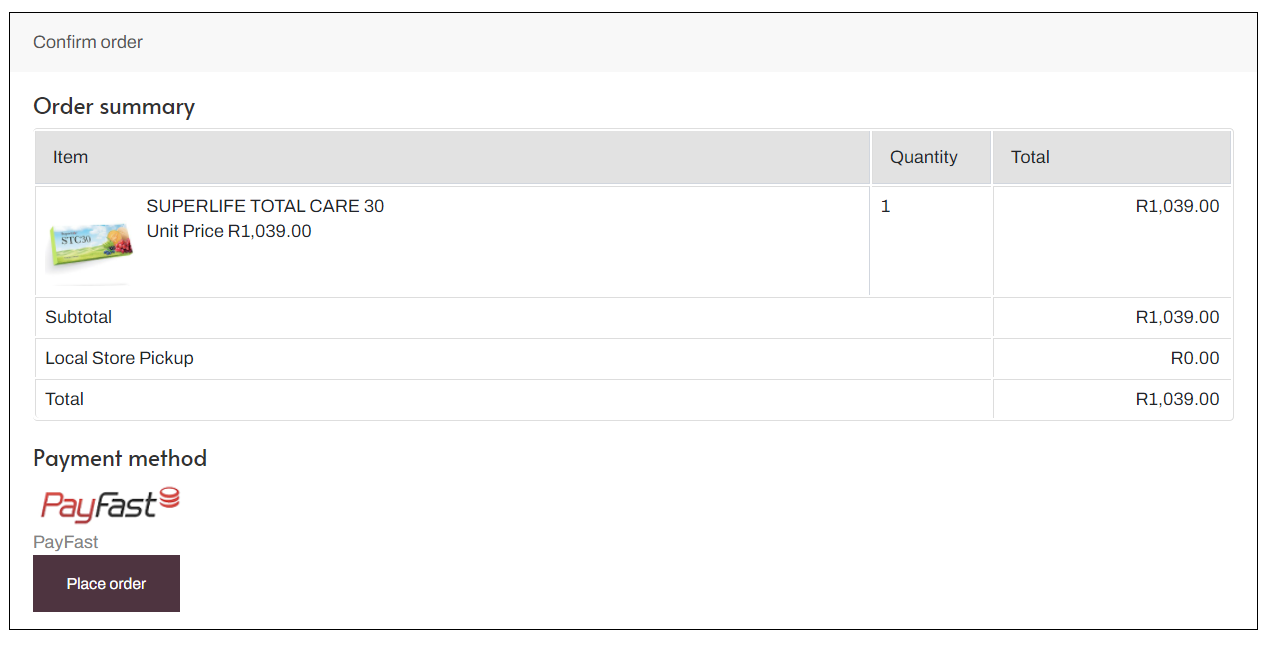
Step12: Step11:An "ORDER SUMMARY" page will be displayed Showing you the total amount of your product that you will purchase and then when you are happy with everything click on "PLACE ORDER" then after you will be re-directed to our Secure Payment portal where you will submit you card details to finish and pay and then after you will receive and email with the invoice of your purchase.
 How may i help you?